
Why a second trainer means a spreadsheet
The day another trainer starts taking sessions, a new job appears: working out what they are owed. Which sessions were theirs, how long each ran, whether it was a Sunday, how much is super, and whether last fortnight's transfer has been done. Most practices keep a spreadsheet for this and check it against the calendar.
In PackOffice, you mark who delivered each session and the pay is worked out on the session itself.
How pay is worked out
- An hourly rate that includes super. PackOffice splits it into the bank amount and the super amount using the super rate you set, 12% by default.
- The session's length. A 90-minute consult pays one and a half times the hourly rate.
- Weekend loadings. A separate percentage for Saturdays and for Sundays, if you pay one.
- Travel. A flat amount per session, paid to their bank.
- Your override. Set the pay by hand on any session that does not fit the rule.
An example
| A$60 an hour, 12% super | To their bank | To super |
|---|---|---|
| One-hour session, weekday | A$53.57 | A$6.43 |
| One-hour session, Sunday with 10% loading | A$58.93 | A$7.07 |
| 90-minute consult, weekday | A$80.36 | A$9.64 |
Example rate only. Set your own rate, super and loadings for each person.
Pay runs
Each team member has a running list of the sessions they have delivered that are not yet paid, with the bank and super totals. When you pay them, record a pay run: the sessions in it are locked so their pay cannot change afterwards, and you mark the date the bank transfer went and the date the super was paid.
Their own login
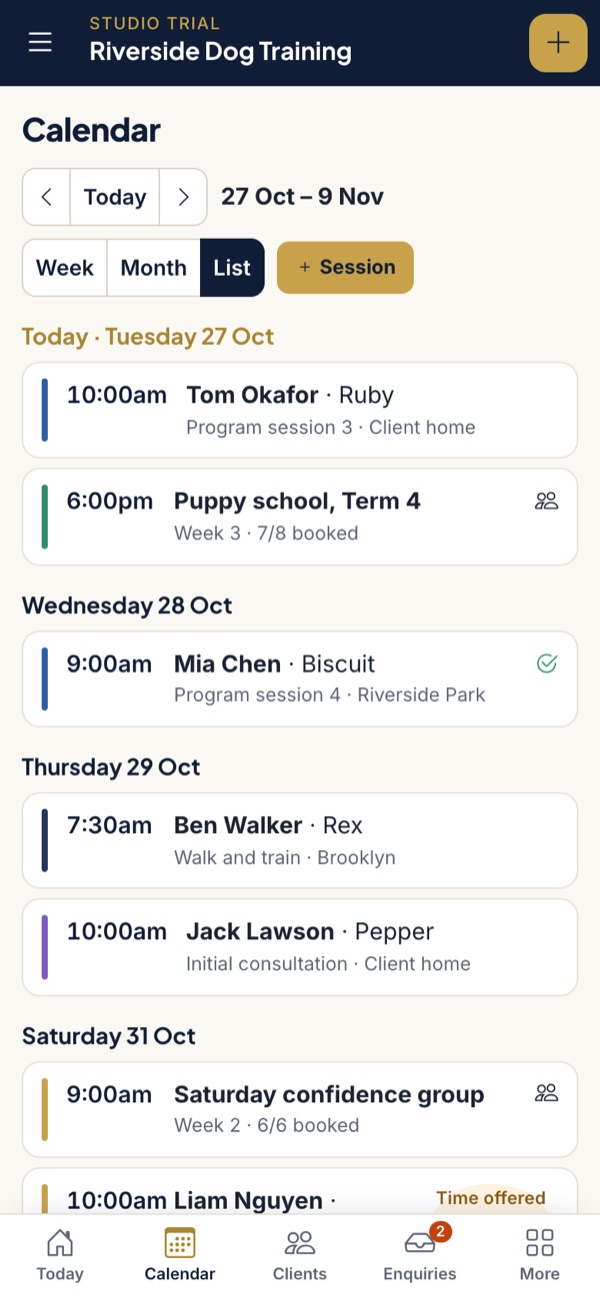
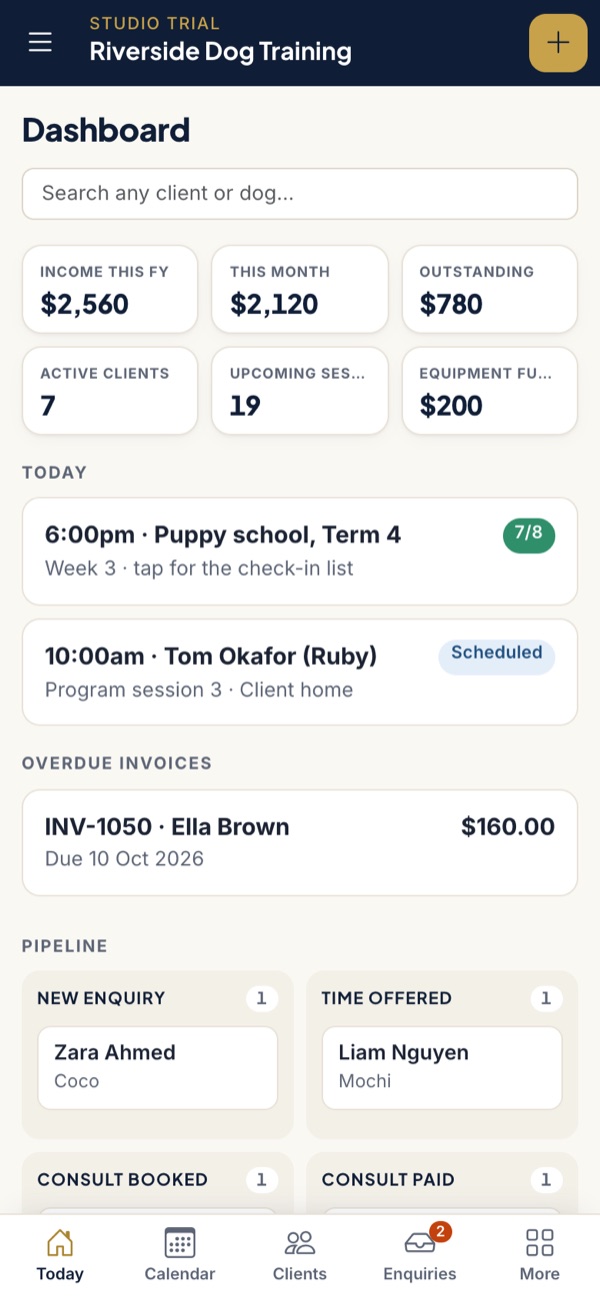
Each trainer gets their own login. Their screen shows their own sessions and their pay, and you keep the rest of the practice to yourself.
Income split by who delivered it
The financials page shows how much of your income came from sessions a team member delivered, what you paid them for those sessions, and what was left. A program is split by its sessions, so a four-session program with two team sessions counts half to the team. This is the breakdown your accountant may ask for if questions about personal services income come up.
What team pay is not
PackOffice is not payroll software. It does not withhold PAYG tax, lodge Single Touch Payroll reports or pay super through a clearing house. If you employ staff, you still need payroll software, such as Xero, QuickBooks or Employment Hero, for those parts.
Whether someone is a contractor or an employee depends on the real working arrangement, and some contractors are entitled to super. If super does not apply, set it to 0%. Check with your accountant, or use the ATO's employee or contractor decision tool.
Questions trainers ask
Is team pay on the Solo plan?
No. Team logins and team pay are part of Studio, at A$109 a month including GST. Solo is built for one trainer.
Does PackOffice do payroll or Single Touch Payroll?
No. It works out and records what each trainer is owed per session and tracks pay runs. Employers still need payroll software for PAYG withholding, Single Touch Payroll and super payments.
Can I pay weekend loadings?
Yes. Set a separate loading percentage for Saturdays and for Sundays for each team member, and it is added to sessions on those days.
What does a team member see when they log in?
Their own sessions and their own pay. The rest of the practice, including your financials, stays with you.
Pay your team without the spreadsheet
Studio is A$109 a month including GST, with team logins, team pay, day training and board and train. Founding trainers keep today's prices on either plan for as long as they stay subscribed.
Apply for founding accessTake the tour